Back to Don's Maps
Back to Maps Page
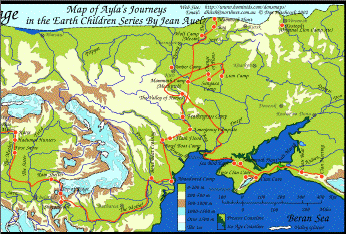
Map of Ayla's travels from the Clan Cave to the Zelandonii on one page, Books 1 to 5
Go to the clickable map of all of Ayla's journeys - click on the camera icon and see the particular area .
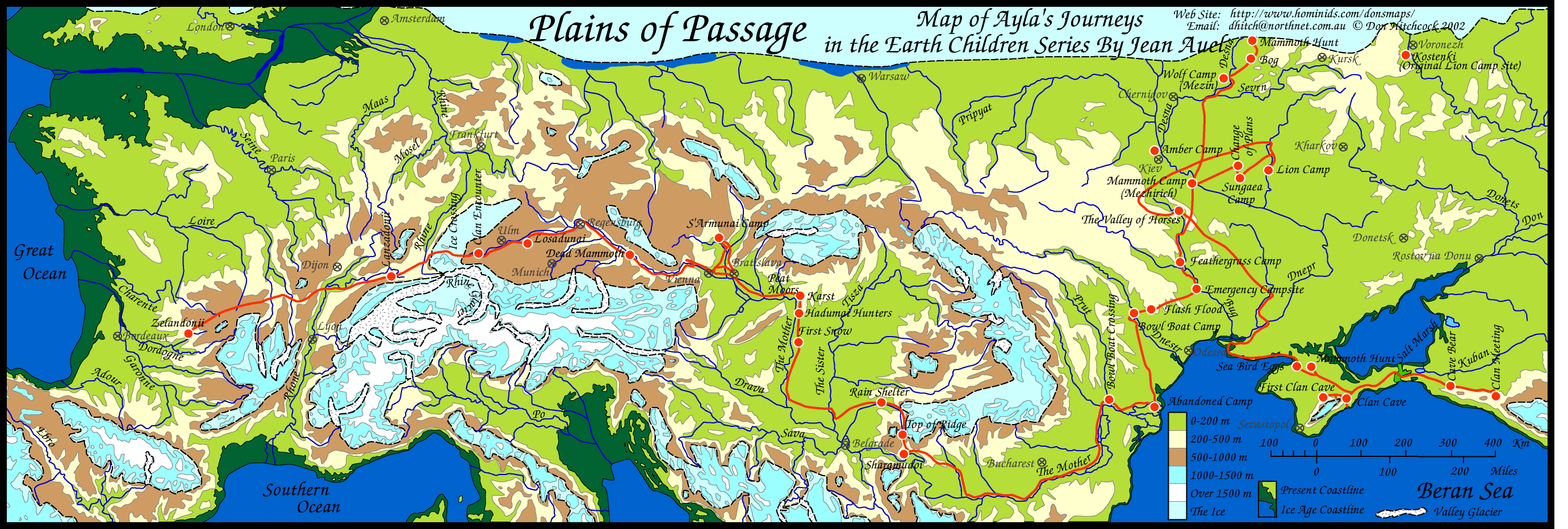
Map of the travels of Ayla of the Mamutoi from the books by Jean Auel.
I love maps, and I was not happy with the standard of the map in the book 'Plains of Passage', in particular the journey across the ice. In my copy of the book, and in fact in pre-historical reality, when there was always an ice free southern route, Ayla and Jondalar could have avoided the ice crossing easily by going South a little. This map corrects that, and is more accurate so far as the Donau river course is concerned, and shows significant points on the journey. I have called it Plains of Passage, but all of Ayla's journeys are on this map. Jondalar and Thonolan pretty much followed the same course when going east, except that after the time with the Sharamudoi they took a boat down the river to the delta. Then after leaving the delta and Willow Camp they would have followed pretty much the same path as Jon and Ayla did on the journey to the Zelandonii, and finished up at the Valley of horses.
There are several ways to print this image.
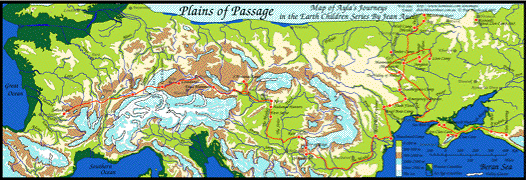
Here is the map as a pdf file.
This should allow the user to print the map as a single page on all computers and printers using the free Adobe Reader program.
Most people have Adobe Reader already, but if not you can get it at:
http://www.adobe.com/products/reader/
Other programs and browsers may open the file, but it is best to use Adobe Reader to print it, since other programs tend to chop bits off.
However, because the map extends for such a distance east and west, the above printout will be long and thin.
Here is the map again, as two halves, left and right, overlapped by a small amount. This will enable you to print it out as two pages, then glue one half to the other using the small overlap.
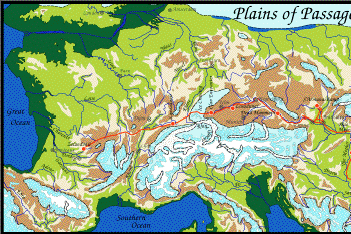
Here is the left half of the map as a pdf file.
Here is the right half of the map as a pdf file.
Print them both out, then cut off the white margin or border on the right of the left half only, align them carefully left over right, and glue down.
You could if you wish then glue another piece of paper to the back to strengthen the joint.
Other programs and browsers may open the file, but it is best to use Adobe Reader to print it, since other programs tend to chop bits off. Many people find that the above method is the best way to print the file. It should open in Adobe Reader, which is a free program that most people have, but if not you can get it at:
http://www.adobe.com/products/reader/
Another way to print this image is to copy it and paste into a drawing program such as Claris Works, Apple Works, MS Works, Adobe Illustrator, Corel Draw etc. or use the print preview function in later versions of Internet Explorer, which on the Mac is very easy to use.
For Mac: click and hold on the map until you can choose 'copy this image' from the pop up menu.
For PC: Right click on the map and choose 'copy this image' from the pop up menu.
Then paste into a drawing program, and choose a percentage scale from the page set up menu to allow the entire page to fit on one sheet of paper. Try 50%, with sideways orientation for the page. Or print on several sheets of paper and glue together for a large map.
Another way to do the same thing perhaps more easily is to click on the 'open map in another window' link below. It opens a page which only contains the map. This should then allow you to more easily save the map (go to the file menu and 'save as source') so that you can open it later from a drawing program, or to copy it more easily and paste into a drawing program.
open map in another window
Another method is that after saving it from Netscape, later on at your convenience open it again with Netscape (or Internet Explorer, whatever you saved it from) and print from your browser itself. Make sure you change the page setup to print sideways
I'd appreciate feedback on the success or otherwise of these instructions.